
Accounting
CoreBooks
Your books, done properly.
Cloud accounting for small and growing businesses. Invoicing, bills, banking, payroll, inventory, and reports on real double-entry accounting, in SRD, USD, EUR, and more. Free to start.
Small and growing businesses that invoice customers, pay suppliers, and run payroll, and the accountants who keep their books.
 CoreBooks · Dashboard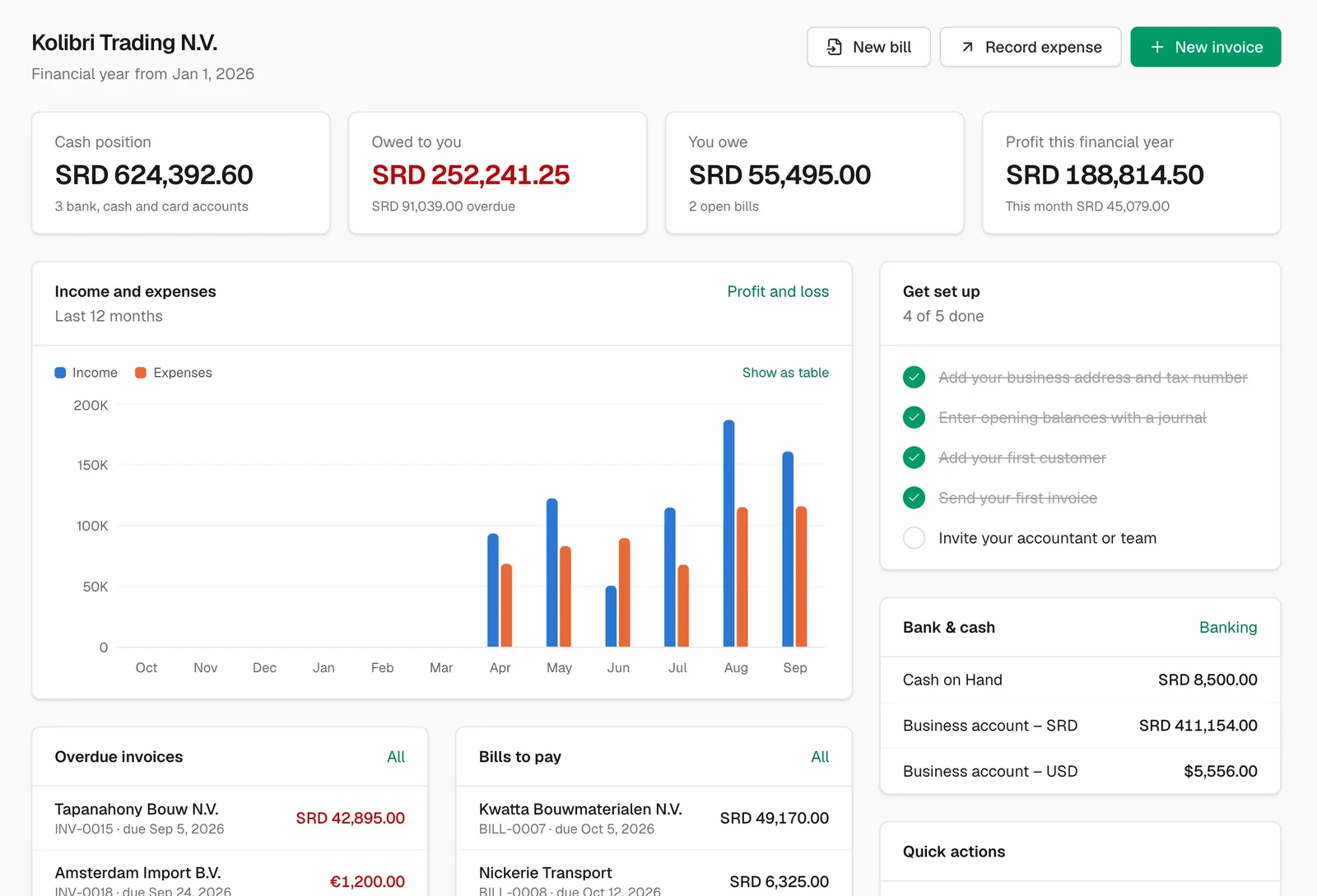
The pain
The books live in a spreadsheet nobody trusts.
Invoices are typed up one by one. Bills sit in a folder. The bank statement never quite matches what was written down. Payroll is a spreadsheet someone rebuilds every month. Nobody can say who still owes money without digging, and the accountant redoes it all at year end.
- Invoices made by hand, with no clear view of what is paid or overdue
- Bank statements that never quite match the records
- Payroll rebuilt in a spreadsheet every month
- SRD, USD, and EUR mixed together with no clean balance
- Reports put together by hand when someone asks for them
What we cure
One set of books. Every number adds up.
CoreBooks is ready-made accounting software. Quotes become invoices, orders become bills, and payments land on the right customer or supplier. Import the bank statement and reconcile it to the cent. Run payroll in a few steps. Every transaction posts a balanced double-entry journal, so the profit and loss, balance sheet, and trial balance are always current and always agree.
- Invoices, bills, and payments in one place
- Bank reconciliation to the cent
- Payroll with payslips ready to print
- SRD, USD, EUR, and more side by side
- Reports your accountant will trust
How it works
From the mess to a working day.
01
Set up the business
Create an account and your business. The chart of accounts, a tax code, document numbering, and payroll items are set up for you.
02
Do the day-to-day
Send quotes and invoices, enter bills, record payments, and import the bank statement. Find any customer, item, or account as you type.
03
Close the month
Reconcile the bank, run payroll, and open the reports. Invite your accountant with their own role when you are ready.
Best suited for
The businesses, and the job on the line.
Trading and distribution
Invoice customers in SRD or USD, enter supplier bills, and keep stock valued at average cost.
Service businesses
Send quotes that become invoices, and see who is overdue at a glance.
Businesses with staff
Run the monthly pay run, print payslips, and pay net wages from the bank account.
Businesses working in more than one currency
Keep SRD, USD, and EUR accounts side by side, with foreign balances revalued at the latest rate.
Accountants and bookkeepers
Keep several client businesses on one login, with an accountant role in each.
Inside the product
CoreBooks · Invoice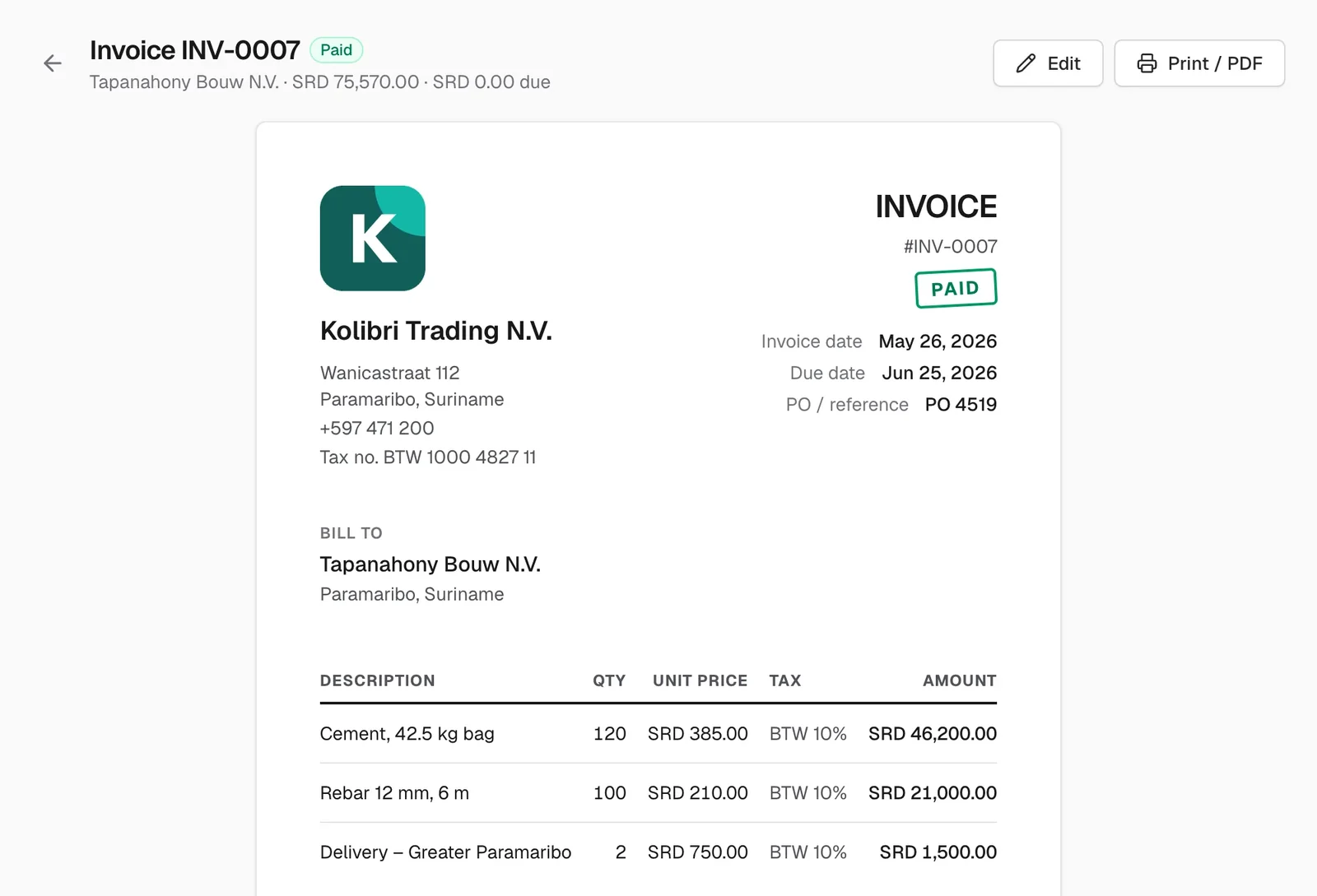 CoreBooks · Bank reconciliation
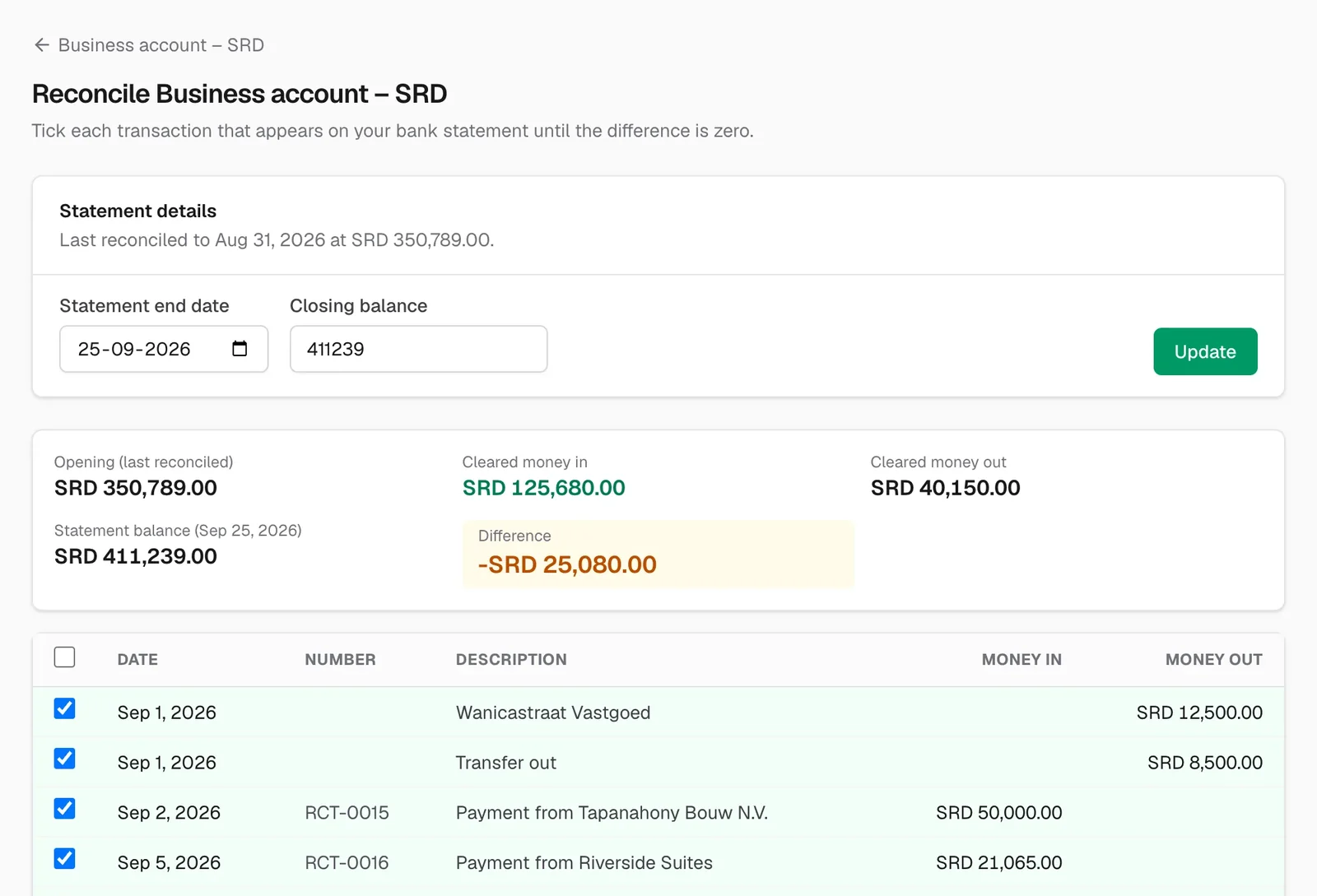 CoreBooks · Payroll
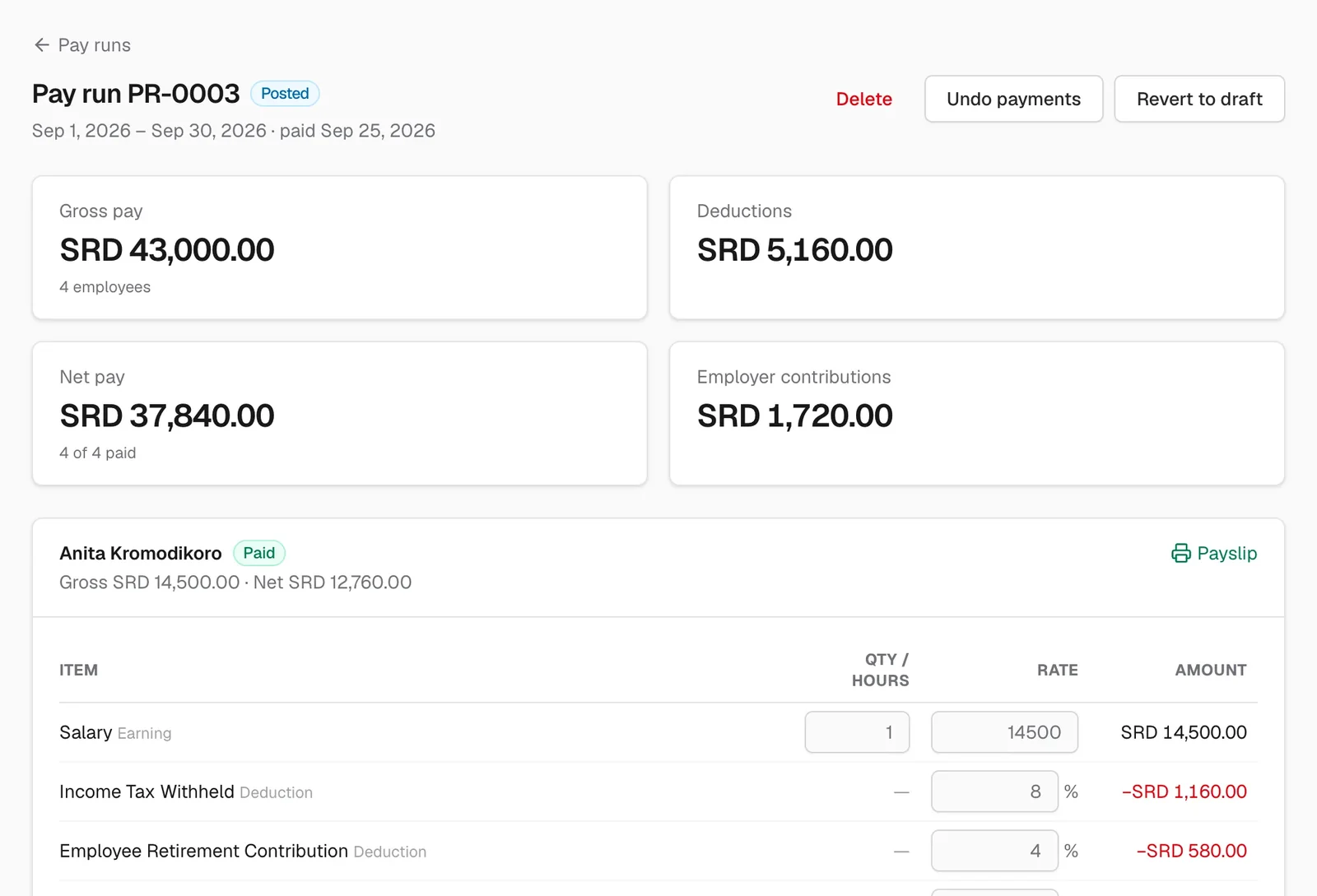 CoreBooks · Profit and loss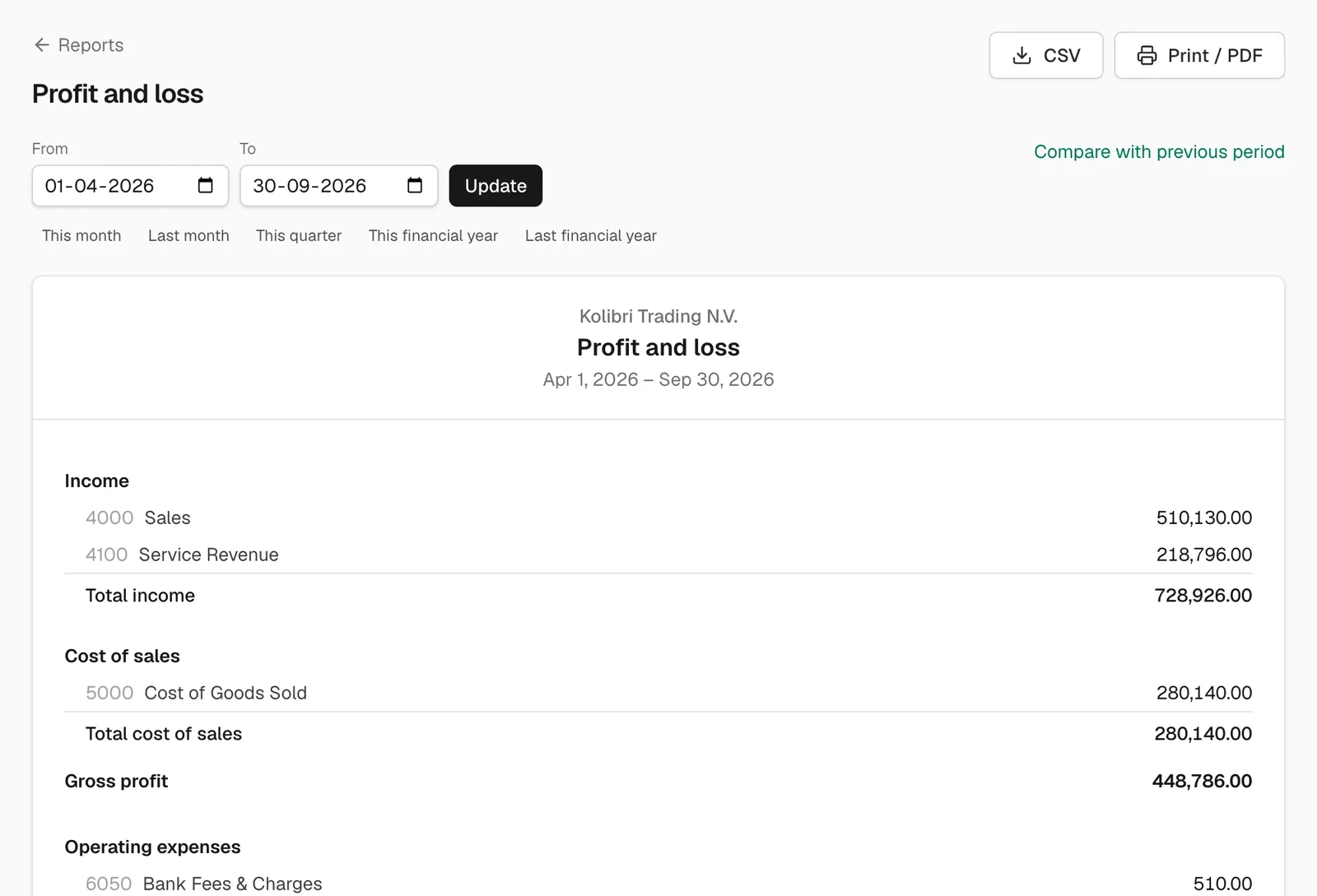
What is in CoreBooks
- Quotes, invoices, credit notes, and customer statements
- Invoices with your logo, shared by link or as a PDF
- Suppliers, purchase orders, bills, and debit notes
- Payments received and made, matched to invoices and bills
- Bank, cash, and card accounts with CSV statement import
- Bank reconciliation with a history you can reopen
- SRD, USD, EUR, and other currencies with daily exchange rates
- Tax codes for BTW, VAT, GST, or sales tax
- Inventory with average costing and stock adjustments
- Payroll with your own earnings and deductions, pay runs, and payslips
- Fixed assets with depreciation
- 13 reports, including profit and loss, balance sheet, trial balance, and aged receivables
- Several businesses on one login
- Owner, admin, accountant, and viewer roles
- Two-step verification, an audit log, and lock dates for closed periods
- English and Dutch
- Connect Claude, ChatGPT, or another AI assistant to read your figures and draft invoices and bills
See if CoreBooks fits.
Tell us how this work happens today. We will show you the product, not a deck.
Talk to usOther products we offer
Wholesale ordering
Gemak.sr Sales
The order is still on a notepad in the van.
AI recruiting
CoreRecruit
Hiring is an inbox full of CVs.
Restaurant ordering
CoreMenu
Someone else owns the order, and the customer.
Point of sale
CorePOS
The line is waiting on the till.
Betting shop operations
Cashflow Pro
The shop is still managed by hand.
AI voice and chat assistant
Claudia AI Assistant
The line rings. Nobody can pick up.